Used an AI-first workflow across Figma and Claude Code to turn complex agent behavior into working prototypes, align product and engineering earlier, and translate validated interactions into reusable patterns.
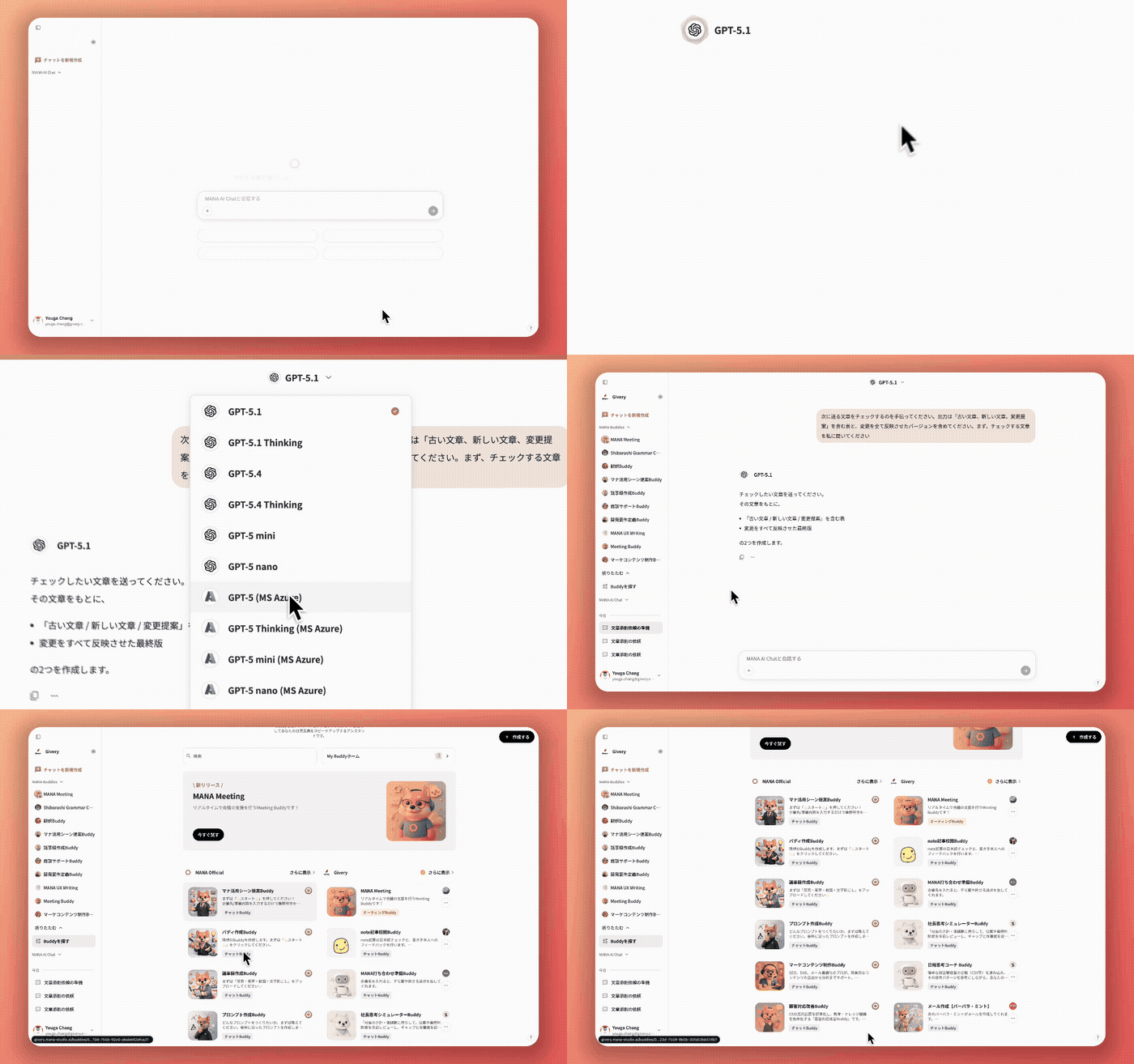
MANA Agent Mode reasoning through a request, calling connected tools, and returning a result.
Built a realistic Agent Mode demo that helped the business team understand the concept through working behavior before the full product existed.
Used the prototype to surface backend dependencies, edge cases, transitions, and unresolved product decisions while the direction was still flexible.
Turned a one-off demo into a repeatable workflow across Figma, Claude Code, team review, and implementation documentation.

That was my first reaction when I started working on Agent Mode.
The agent could pull from different sources, wait for backend responses, call tools sequentially or in parallel, fail, retry, or require user action. Its behavior also changed depending on permissions, connections, and technical constraints.
At the same time, I needed to demonstrate the concept to the business team during a hack presentation.
Static screens could show individual states, but not how the experience actually unfolded. So I decided to build a working prototype that could make the system feel understandable and real within a few minutes.
I did not treat Figma and Claude Code as separate phases.
I used Figma to organize the system, explore structure, compare visual directions, and maintain the shared design source. Whenever timing, transitions, or technical behavior became important, I moved the selected direction into Claude Code and experienced it as working software.
The prototype often revealed issues that were difficult to see in static frames. I would then return to Figma, revise the structure or interaction, and test the updated behavior again in code.
I began in Figma by mapping the relationships between tools, connections, permissions, execution states, and administrative controls.
The early work helped make the scope visible, but it also exposed questions that layout alone could not answer.
What happens while the backend is still waiting? Can several tools run at the same time? What should users see when only one step fails? Which controls belong to users, organization administrators, or system administrators?
I brought those questions into discussions with product and engineering before moving further into detailed interactions. The work started with reviewing the existing information architecture, clarifying unresolved issues, and iterating on the concept with the product owner and engineers.
As the dependencies became clearer, the concept expanded from the user-side experience into organization- and system-admin controls. Once a direction was clear enough, I moved it into Claude Code and built an end-to-end scenario.
For the hack presentation, I wanted the business team to experience Agent Mode as a working product, not as a clickable sequence of disconnected screens.
I used real open-source components instead of manually faking each interaction. Streamdown helped me simulate responses appearing progressively, while Vercel AI Elements provided patterns for reasoning displays and AI-specific states. This allowed me to reproduce streaming, waiting, and tool execution with relatively little setup, making the demo feel much closer to the intended product experience.
The business team could understand the concept without a long explanation of every state, while product and engineering could evaluate the proposed behavior instead of imagining what happened between screens.
The prototype also revealed issues I had not noticed in Figma. I brought those findings back into the design, refined the structure, and tested the updated behavior again in code.
Getting the first version running was surprisingly quick.
Getting it to feel like the real product was not.
The generated interface looked plausible at a glance, but the differences became obvious when I compared it with MANA. The spacing was slightly off. Components behaved differently. The hierarchy felt familiar, but not quite right.
I returned to Figma to identify the gaps, then experimented with more detailed instructions and a small component kit.
The output improved, but I still found myself correcting the same types of details repeatedly.
“Am I going to rebuild MANA every time I need a prototype?”
The turning point was connecting Claude Code to Figma through MCP and referencing the actual product frames.
Even then, the first result was not automatically polished. As I later shared with the design team, the initial output could still look “pretty disastrous.”
But it gave Claude a far more reliable starting point. Instead of repeatedly describing the product, I could ground the prototype in MANA's real layout, components, and visual hierarchy.
The initial setup took time, but that investment changed every prototype that followed.
Once the application shell and shared components were established in code, I no longer needed to recreate the product environment for each experiment. I could continue refining the shared design in Figma while using the prototype base to test new behaviors.
Figma and Claude Code were not competing versions of the same work. Each carried a different part of the process.
What began as a one-off demo became a foundation the next experiment could inherit.
For example, a later onboarding-feature demo took only two days to reach a near-real prototype — built directly on top of the same shared base.
The prototype had originally been created for the hack presentation.
Once it existed, however, it became useful for much more detailed product and engineering discussions.
Instead of sending several frames with annotations, I could demonstrate the behavior and clarify the questions directly.
Some answers changed the structure of the experience. Others changed the timing, transitions, or amount of system activity we exposed to users. I refined the work through discussions around tool-calling status, user controls, and administrative settings.
The prototype did not provide the answers automatically. It made the unanswered questions difficult to ignore.
Once a behavior was validated, I returned it to Figma and documented the details in Jira.
The user-side Agent Mode release included detailed design specifications and change logs, followed by further work on tool-calling status and onboarding.
For the onboarding experience, I also used Claude Code to generate acceptance criteria covering transitions and trigger events, then attached the prototype source code to Jira as additional implementation context.
The handoff was no longer limited to static screens. Engineering could review the intended behavior, its triggers, and a working reference.
The prototype did not replace engineering collaboration. It gave that collaboration something concrete to work on.
By the end of the project, I was moving continuously between Figma, Claude Code, team review, and Jira.
I used Figma to explore structure and preserve the shared design source. I used code to test behavior and technical assumptions. Then I brought the validated decisions back into the design and implementation documentation.
Later, I also found a way to return the coded interface to editable Figma layers, completing the round trip.
This changed how I thought about high-fidelity prototyping.
Before Agent Mode, I mainly treated a prototype as something created near the end of the design process to communicate an interaction.
In this project, the prototype became part of how I discovered the interaction. It helped me uncover missing states, question technical assumptions, communicate the concept to the business team, and make decisions with engineers while the direction was still flexible.
The working demo helped different teams understand the same product before it fully existed.
The workflow developed through trial and error, so I documented the mistakes, shortcuts, and lessons I had collected along the way.
I shared the process with both the MANA design team and the wider Givery design community. That experience later became my Medium article:
 How I built a round-trip workflow between Figma and Claude Code
A practical workflow for moving between design files and working prototypes, then returning validated behavior to implementation-ready documentation.
Read on Medium ↗
How I built a round-trip workflow between Figma and Claude Code
A practical workflow for moving between design files and working prototypes, then returning validated behavior to implementation-ready documentation.
Read on Medium ↗
What began as a workaround for one presentation became a reusable way of designing closer to implementation.
The value was not choosing between Figma and code. It was knowing which question each one could answer.